Enabling an External Captive Portal with Ruckus ONE

Overview
Connecting your Fydelia splash page to your Ruckus ONE network can be done in a few simple steps:
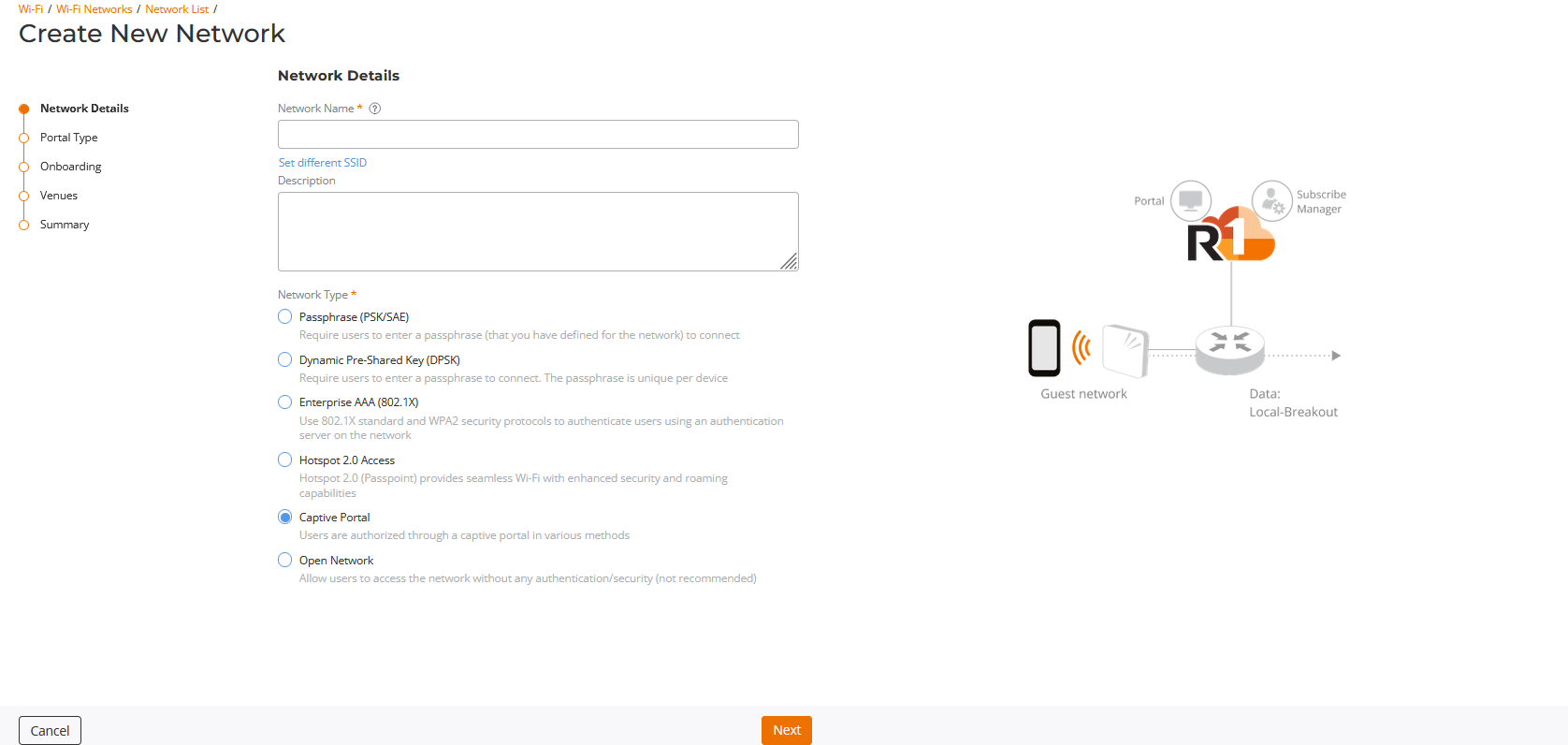
Create a new Wireless Network
Create a new network and choose "Captive Portal":
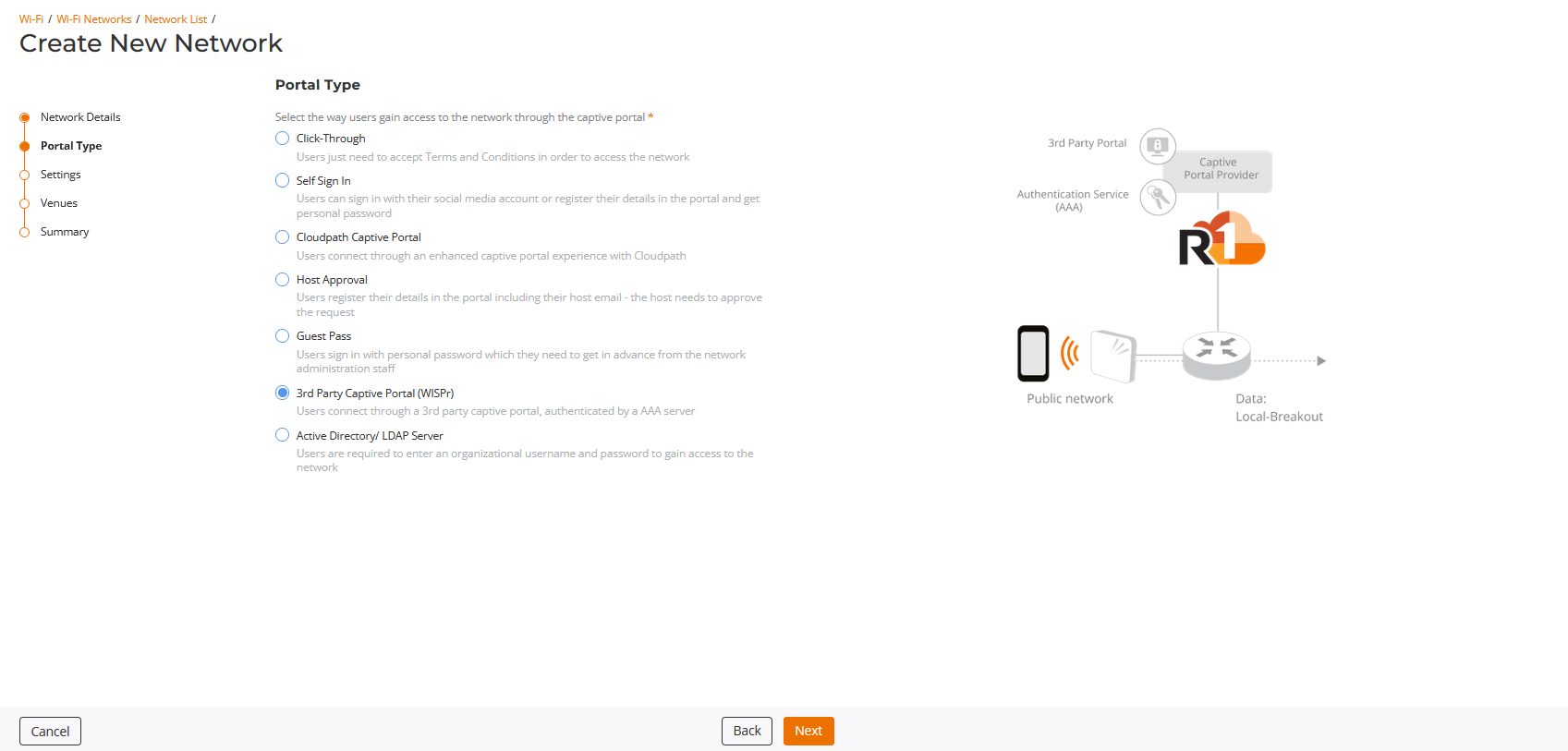
Portal Type
Under Portal Type choose "3rd Party Captive Portal"
Settings
On "Settings" Choose custom provider
Enter your Splash page URL under Captive Portal URL:
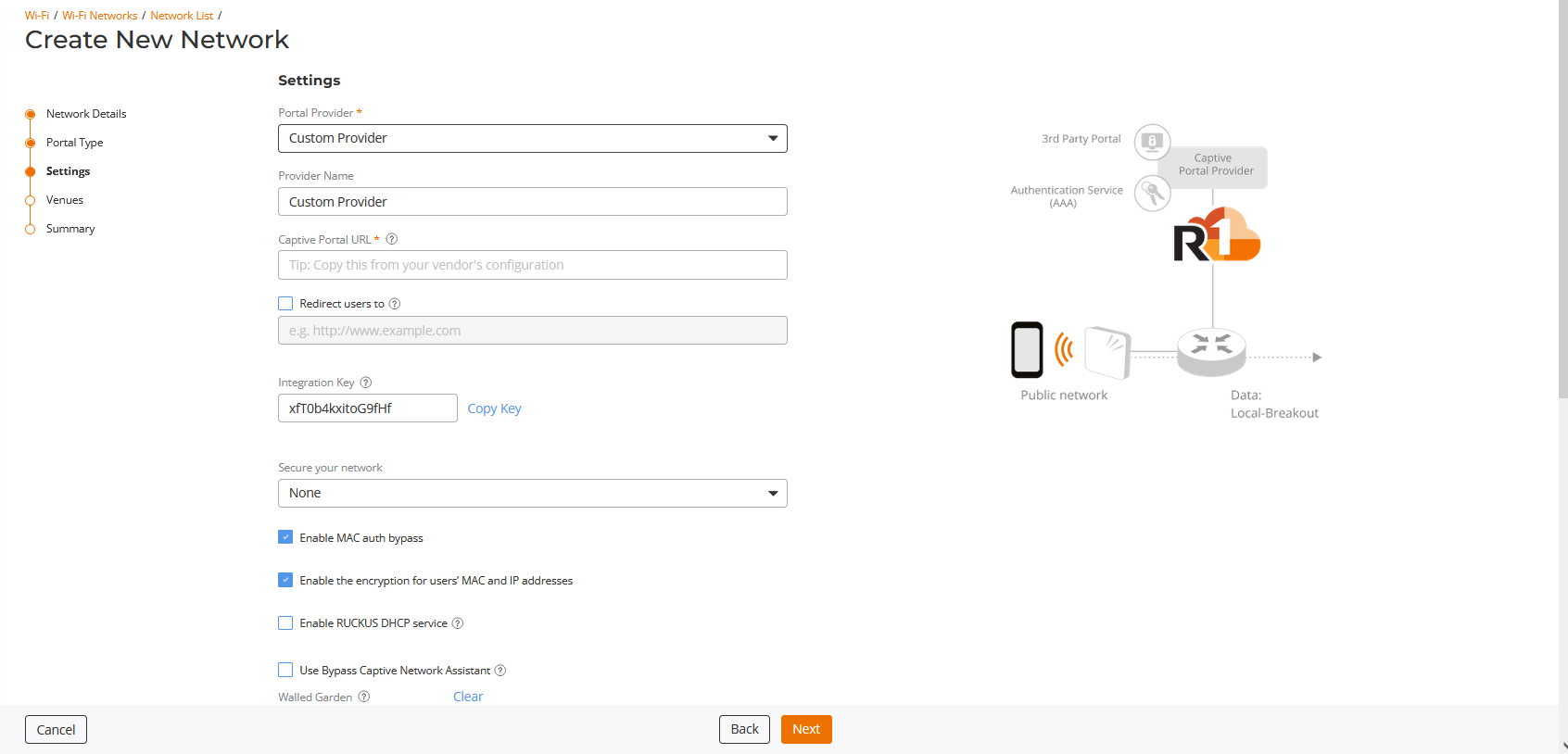
Copy the integration key as you'll need that when setting up the splash page.
Under Authentication Service click Add Server:
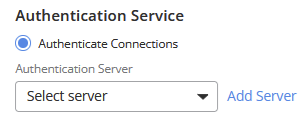
Enter a profile name:
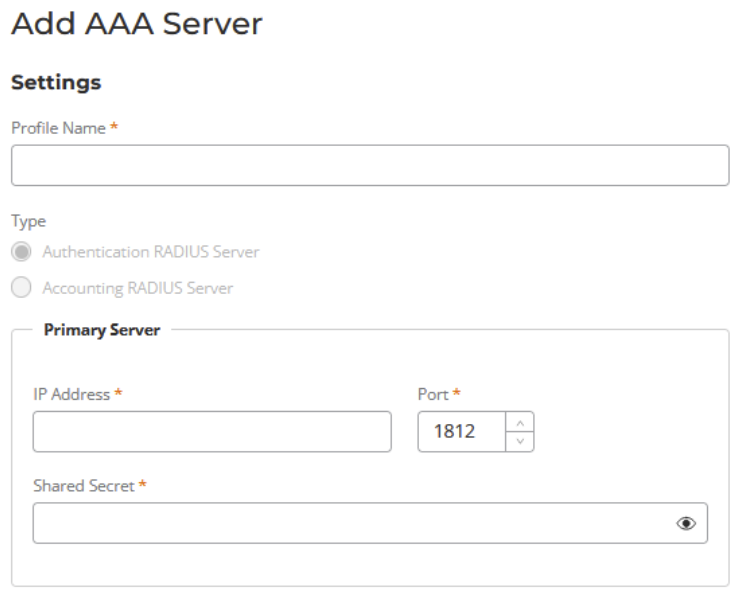
In IP address enter the Fydelia primary RADIUS server IP: 94.130.98.11
(Obtain the shared secret via Fydelia support)
If you wish to add a secondary, the secret will be the same but use IP: 65.109.12.76
Finally, save your changes
Simple as that! Your Ruckus ONE is now configured to show your Fydelia splash page.